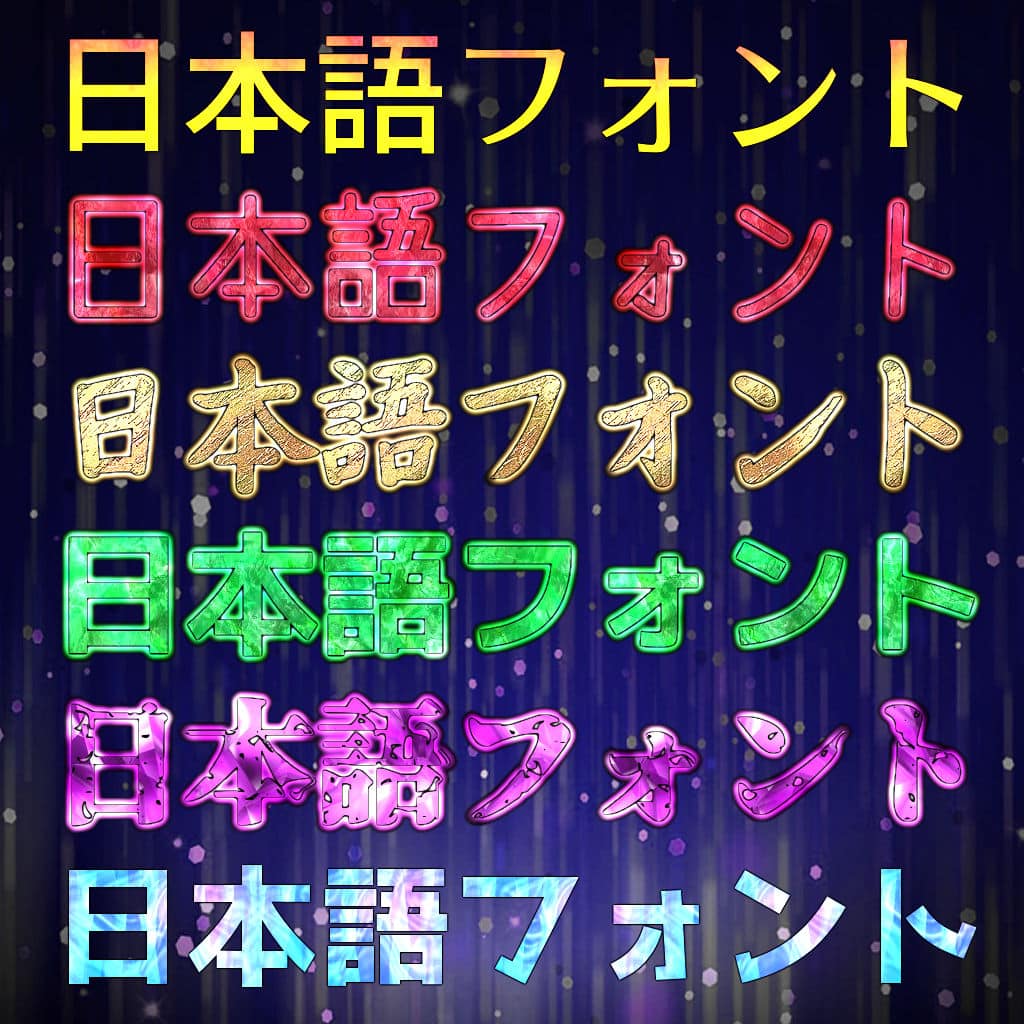
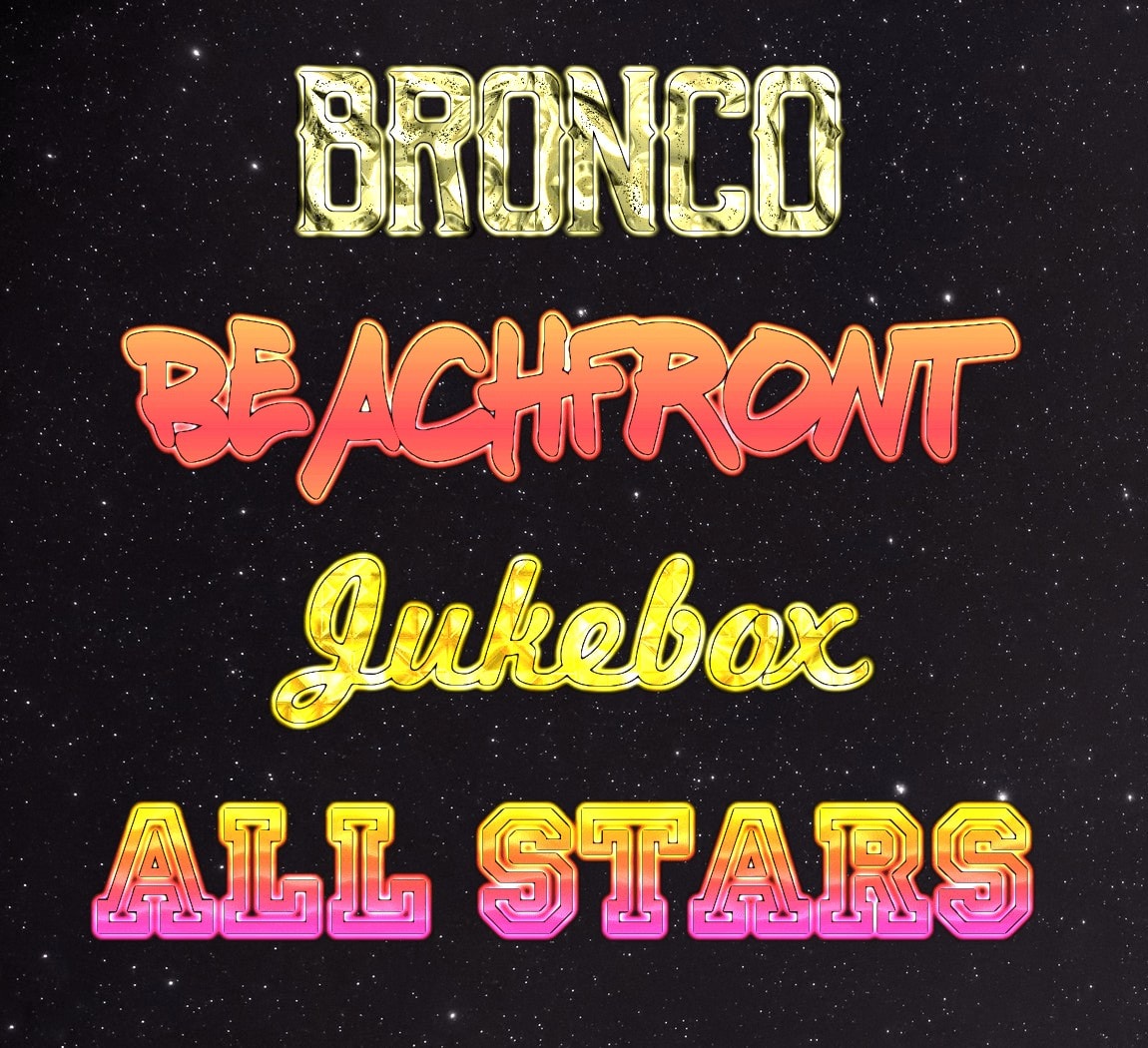
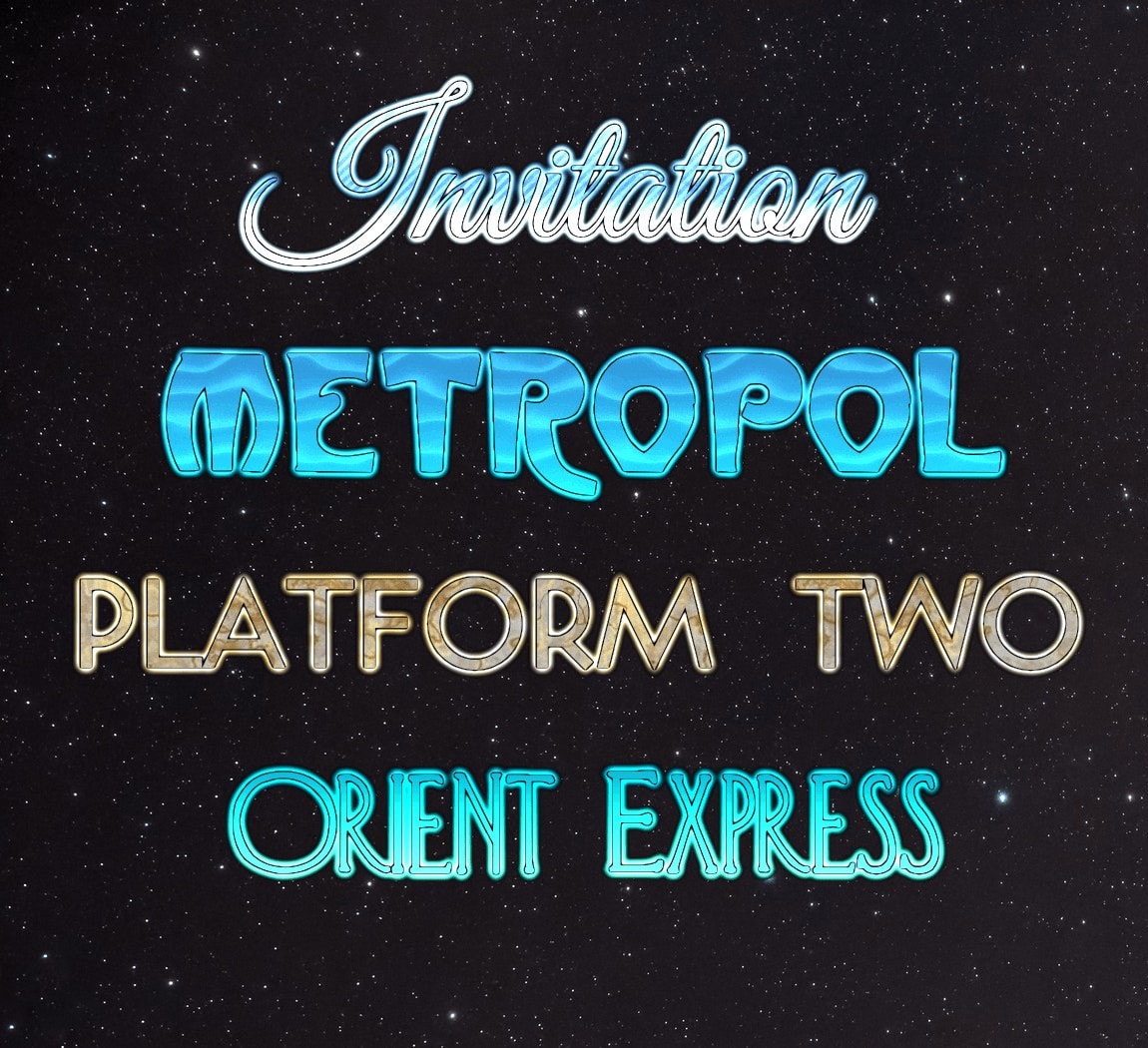
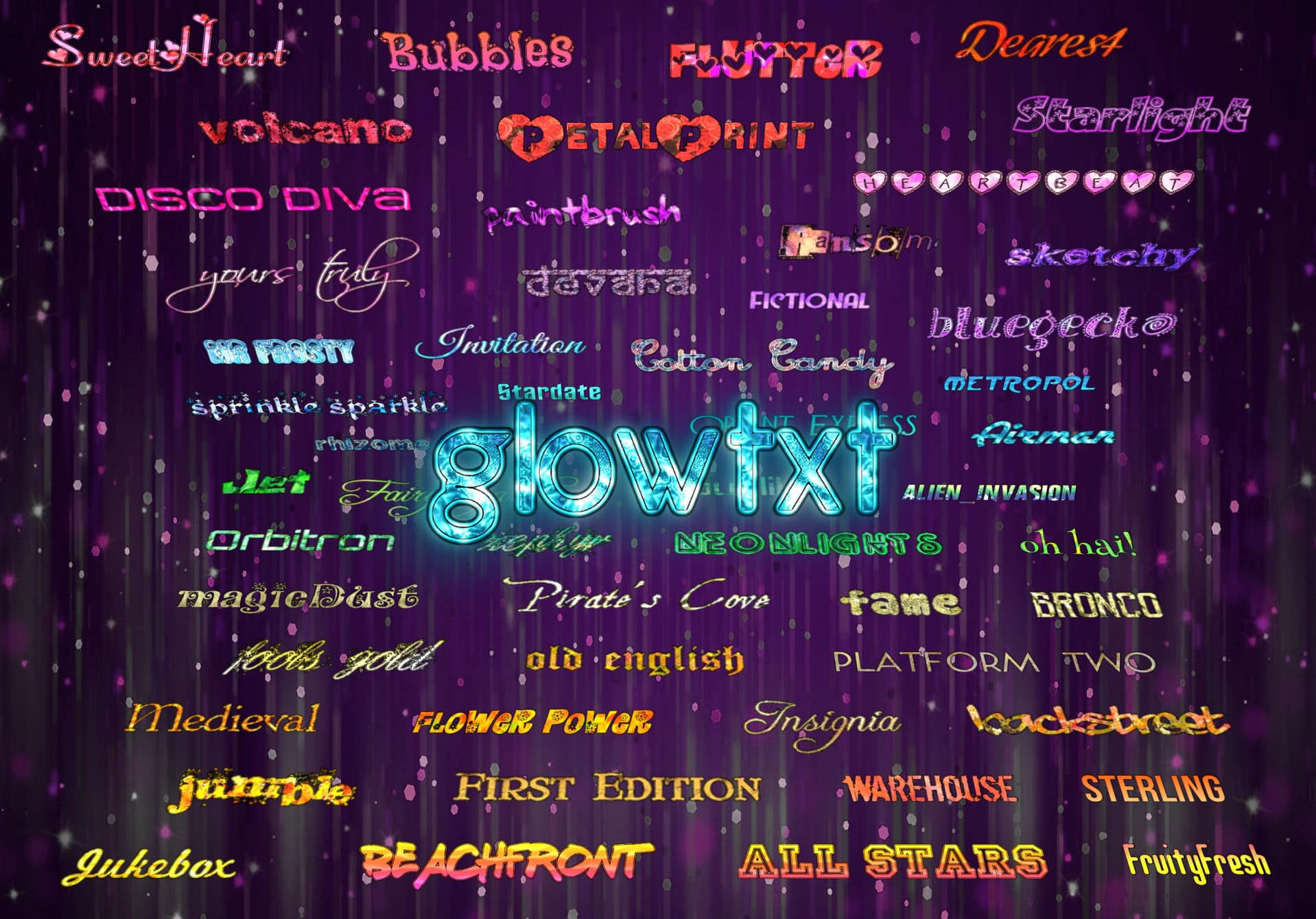
Support for more than 20 different language scripts was added to Glowtxt text generator.
For many of the languages, you can just enter the text in the “Your text here” box and the correct set of fonts should be automatically selected. Otherwise, font styles can be selected from the drop-down box in the controls.
Plus, other latin-based scripts with accented characters are supported by the “Euro” font styles and some of the standard Glowtxt fonts – for example German, French, Spanish, Italian, Turkish etc.
Scripts with complex text layout such as Arabic, Hebrew and Hindi should be handled properly, with the possibility of including latin character text in the right-to-left languages (bi-directional text support).
You can also change the look of the text by having “Glow Effect” set to “Super”, and then changing the background colour option, or for a cleaner look, set “Glow Effect” to “None” and keep the background colour at black or white. (Note: We recommend setting the background colour to white for posting on sites such as Facebook.)
As always, graphics created are 100% free to use!
Text examples:
Cyrillic text examplesArabic text examplesDevanagari / Hindi text examplesHebrew text examplesJapanese text examples
Note: The text colours/textures are just an example, you can choose from 8 different colours for each text styles. With at least 80 fonts, thats 640 different combinations.
Also, with the “Glow Effect” option set to “Super”, you can change the background colour to any colour you choose, and it will appear as a glowing border around the text.
All styles can also be used with the “Pulse” and “Sweep” animated text options.
The layout of Glowtxt was improved a little and controls made bigger, also, the following new features/updates were added:
Added over 20 new text styles
Added new XXL text size option
Tidied up controls and made them more phone/tablet friendly
Added more phone-friendly screens for downloading, get web codes, and preview background options
Added extra International unicode fonts, and auto-detect font selection for some languages
Updated fonts for “fruityfresh”, “oh hai”, “purple” and “substance” as it wasn’t clear if they were freely available for commercial use
New FAQ pages containing answers to more than 40 questions
Increased “Make Comment” max. width to 650 pixels wide
Better cropping of extra empty space around edges of text images
Much improved visual quality of text when “Glow Effect” is set to “None”, compared to before
Text now automatically updates after changing the background colour, also you can now press enter after typing a hex colour code into the boxes and it will update; also fixed a problem where you couldn’t enter the hex code underneath the colour swatch on iPhone/iPad
Other minor adjustments, fixed some washed out textures, improved quality of animated GIF colour palette
These comparison tables list all generally available Chromebooks from 2011 onwards, including some of the latest 2014 models (2014 has seen the biggest number of new Chromebook launches since they first appeared on the scene.)
The PassMark score is used to compare processors. Although this may not necessarily reflect all usage modes of a laptop or Chromebook, it’s OK in terms of making comparisons between CPU models. It take advantage of multiple cores, so a while a higher PassMark score may not necessarily result in faster operation, it does give an idea that there is more computational capacity available, which is a reasonable indicator of how system performance feels.
One problem remaining in comparing models is that PassMark doesn’t work on ARM chips. Geekbench does, but then it doesn’t have as much consistent data collected across different models compared to PassMark.
Upgrades
Another useful part of the charts, apart from general hints and explanations, is an “DIY upgradability” table for SSD and RAM. Unfortunately since many of the newer Chromebooks have moved to slimmer form factors, most of them have completely lost any RAM slots and soldered everything on to the motherboard. The situation with disk upgrades is a little better, and a fast 2014 Chromebook with upgraded SSD can make an awesome, cost-efficient Linux development laptop without the clunk of a Windows 8 install.
Photo: Ben Sutherland (click above for original)Sites like Facebook and Twitter have overwhelmed the blog scene of the late 2000’s, so the associated services and directories for blogs have sort of dwindled away also since then.
The most well known was Technorati, but even though it’s still high in Google search results for a number of blog-related queries, it’s a bit of a mess with only a half-working system and a bunch of broken links.
Which is a shame, simply because Google’s algo still seems to give it unwarranted relevance.
Here’s the pick of blog sites I’ve found (as of March 2014) when trying to submit a new tech blog, Zipso.net.
You’ll most likely also find a ton of useless directories and sites that haven’t been updated since 2002, but I won’t list those here… also we’ve only listed a small number of the directories that charge fees or ones that require their own backlinks/widgets/buttons on your site.
These are general sites/directories. You should also search out sites that are interested in more content that is specific to your niche.
Note that the sites listed here are distinct from blog RPC ping services like twingly.com.
I’ve linked to the profile page for the Zipso.net blog on each site to keep track of how useful that site is. If you find this list useful, please considering following Zipso.net on one of the services below – I will re-post a similar list on to it in the future, instead of here.
The List
(links open in a new window – higher priority sites listed first)
Bloglovin’ – Probably the best replacement for what was the idea behind Technorati or Google Reader. Has tons of users, but you still need to do your own marketing.
BlogCatalog – This might be a little more similar to Technorati, but it doesn’t have anywhere near as much traffic as Bloglovin’. However the site is nice, well designed, and doesn’t look spammy. You can also add your blog quite easily, and they do seem to keep the low-quality stuff out. So it’s quite a good option, however don’t expect a ton of visitors to come from this one site.
The Old Reader – Funny name, nice cleanly designed site along the lines of Bloglovin’. Seems to work well.
Technorati – Not exactly sure why Technorati is still online. It probably still somehow manages to get enough traffic to its main pages. Another annoyance factor is that claiming your blog takes an age. The settings page for your account is fantastically broken too – once you login, it doesn’t properly timeout the cookie to go back to your profile page – however, it will break once you try to update your settings. The solution is to actually logout and login again, even though it seems you’ve already logged in!
StumbleUpon – StumbleUpon is maybe not as much in the limelight as it used to be, but it’s still a really popular site. You might have seen people complaining that links had been made “nofollow” in the past. Well it doesn’t really matter – anywhere you can post content that can get some exposure is worth it. It can be difficult to get an initial few stumbles for your blog posts though, so their Paid Discovery service is interesting, although they have raised the prices recently.
Reddit – Reddit is actually an awesome place to submit blog posts, but only if they’re really relevant to the community or sub-reddit you’re posting in. Something both attention-grabbing and genuinely interesting will have the best chances of getting upvotes and visitors. Remember to check back in every so often and reply to any comments instead of just posting and leaving.
Alexa – Alexa will eventually pick up your site or blog when it gets enough traffic, but it’s no harm adding it at the start.
Adobe News Aggregator – It’s a bit of an oddity seeing Adobe maintain a feed aggregator service, but there you go. Not sure if this is being actively maintained, and it seems to be only for Tech/Graphic Design/Photoshop/Mobile etc. style content.
BlogHer – Popular, well organised site for female bloggers, or blogs catering to a largely female audience.
If you insist..
Blogs Collection – Not sure about this one. It seems to be maintained. It’s limited to blogs so I guess that cuts down on spammy submisions a bit.
Globe of Blogs – Being maintained but may take a while to get listed.
AddYourBlog – Seems to be well run/popular, but requires widget.
Alltop.com – Seems to be working. Probably a high barrier to entry though.
Bloggeries – Seems to work, but paid only.
BlogFlux – Another broken directory listed highly in Google. New signups appear to be broken.
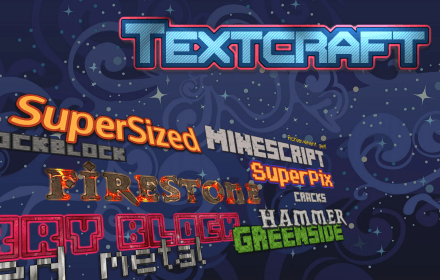
Textcraft (https://textcraft.net) is a modern, easy to use but powerful text and logo creator.
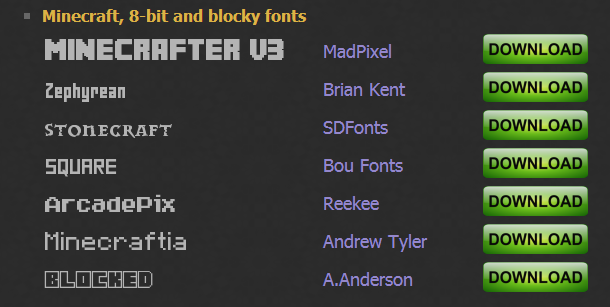
Currently it features Minecraft and 8-bit style fonts, and a number of options such as coloured borders, drop shadow, 3d perspective, glow effect etc.
Textcraft is designed to be used across multiple platforms – it’s compatible with iPad and Android tablets as well as desktop/touchscreen/Chromebooks.
Choose from a range of existing text styles on the site, or create new styles and save them to your own profile page (free membership). A built-in style search function and Newest and Most Popular lists means that you can easily find something interesting to suit your needs.
Features:
High quality, fast, easy to use online text and logo creation engine
Versatile settings including drop-shadow, coloured borders, glow and 3d-style perspective
Includes Minecraft and 8-bit style texture and font options as well as general purpose text
Generated images use PNG alpha transparency to blend seamlessly into any background
Download created images directly or host online
Create a free account to save your text style settings or browse and search popular styles
Works perfectly on low powered computers – all you need is a web browser and Internet
Web-app designed as both iPad/Android tablet and desktop/touchscreen compatible
What is my iOS version is a small online tool which shows the iOS version and display resolution of your iPhone or iPad (or iPod Touch).
But more importantly, it can also distinguish between the iPad 1, 2, 3 and 4 and report on what type of iPad you have. For iPhones, it can distinguish between the iPhone 3GS, 4, 4S and 5.
It also correctly displays the pixel resolution of your screen and Retina display status. These values are misreported by a number of other online screen size checkers.